What Is an App Store Blocker?
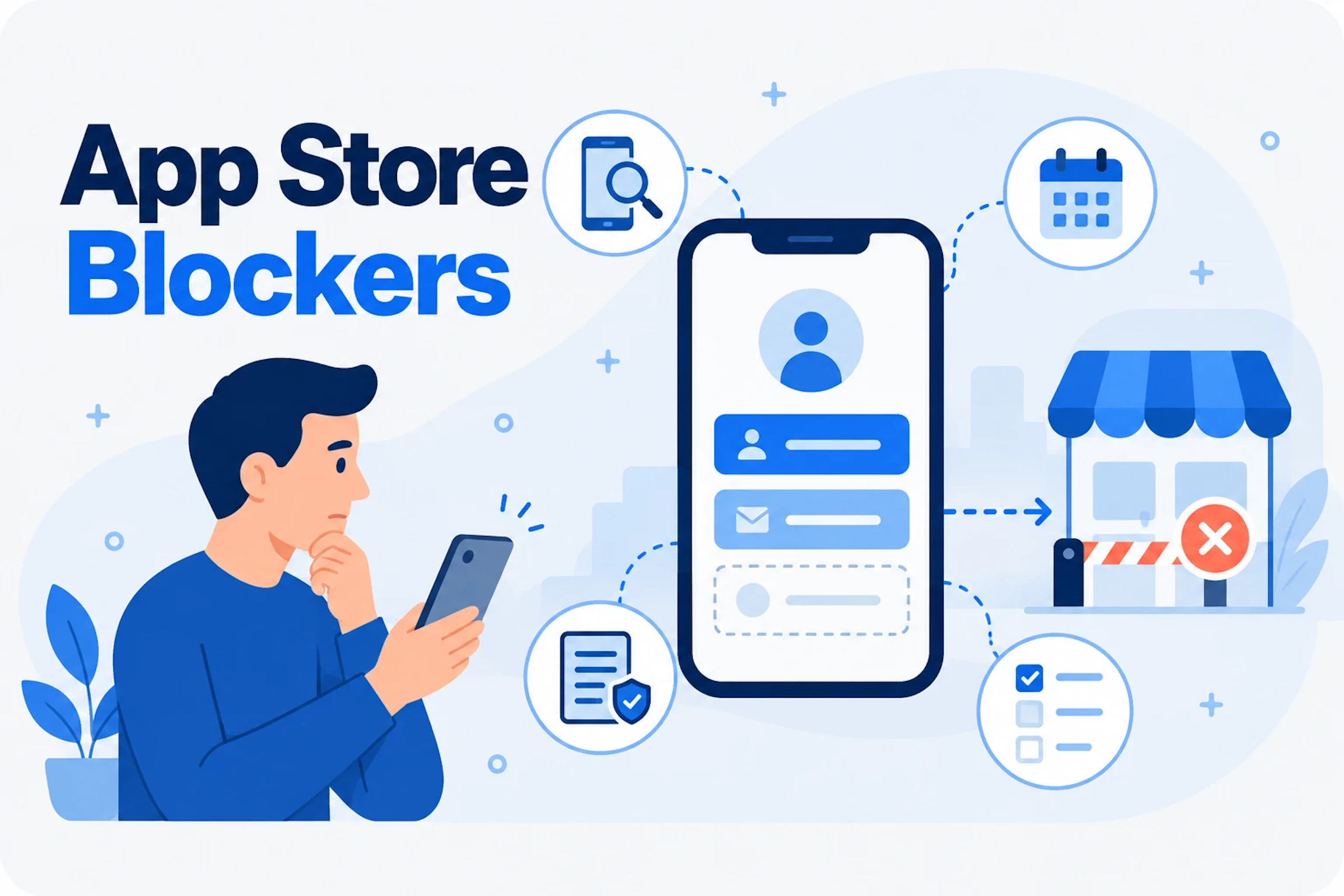
Apple and Google publish review guidelines that every app must meet. Some rules cover security and privacy, such as how an app handles user data or encrypts traffic. Others cover functionality, sign-in options or required disclosures. When an app breaks one of these rules, the store can reject an update, decline to feature the app or, in rare cases, remove it.
These issues are App Store blockers. A blocker may carry no security risk at all. That is exactly why teams underrate them. A low-severity finding that stops a release from reaching users can hurt more than a high-severity bug that ships.
The Story
This is a true example from a Data Theorem customer.
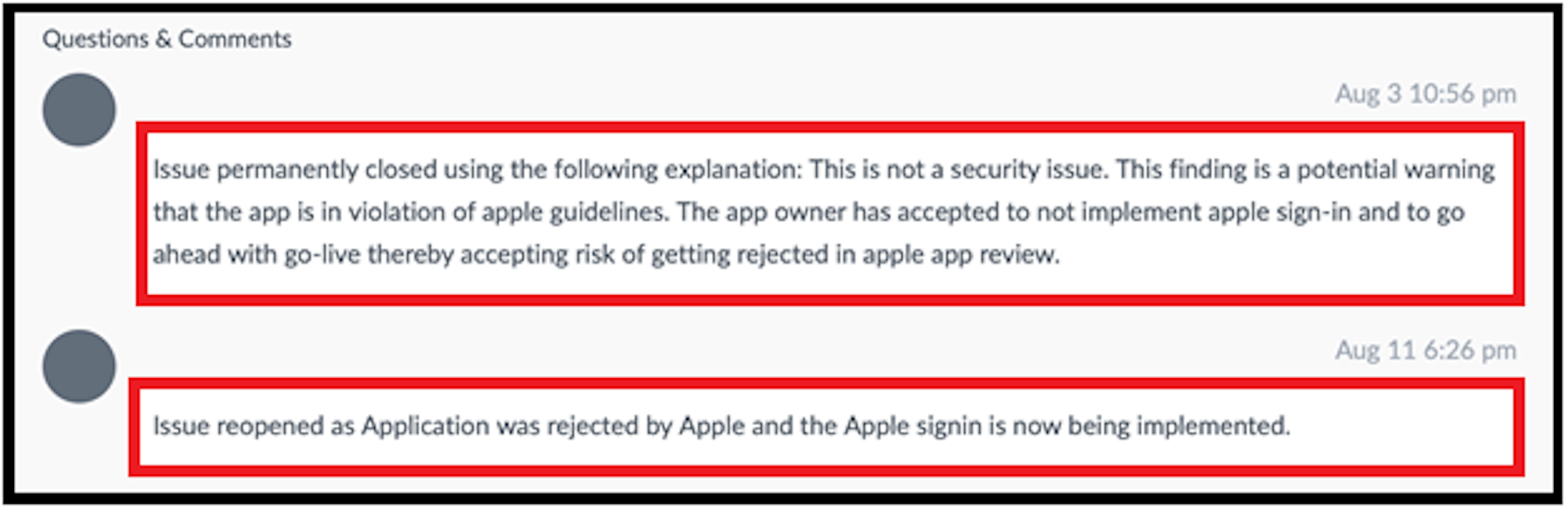
On July 3, Mobile Secure flagged an App Store blocker in the customer's pre-production iOS app. The issue was not a vulnerability. At the time, Apple's guidelines required apps that offered sign-in through third-party services such as Google or Facebook to also offer Sign in with Apple. The app offered Google and Facebook sign-in, but not Sign in with Apple.
Near the end of the release cycle, the developer chose to treat the finding as low priority and submitted the app to Apple. Eight days later, Apple rejected the app for that exact issue.
| When | What Happened |
|---|---|
| July 3 | Mobile Secure flags the App Store blocker in a pre-production build. |
| End of the release cycle | The app is submitted to Apple without the fix. |
| Eight days later | Apple rejects the app for the same issue. |
| August 3 | The date the fix could have been done by, 30 days after the finding. |
| September 4 | The blocker is fixed and the app is resubmitted. |
What It Cost
The customer had a month, from July 3 to August 3, to fix the issue before it affected the release. Instead, the fix waited until after the rejection. The blocker was resolved and the app was resubmitted on September 4, a full month later than it could have shipped.
Nothing was breached. No data was exposed. But a release the business was counting on sat in limbo for weeks, over an issue that took far less time to fix than the delay it caused.
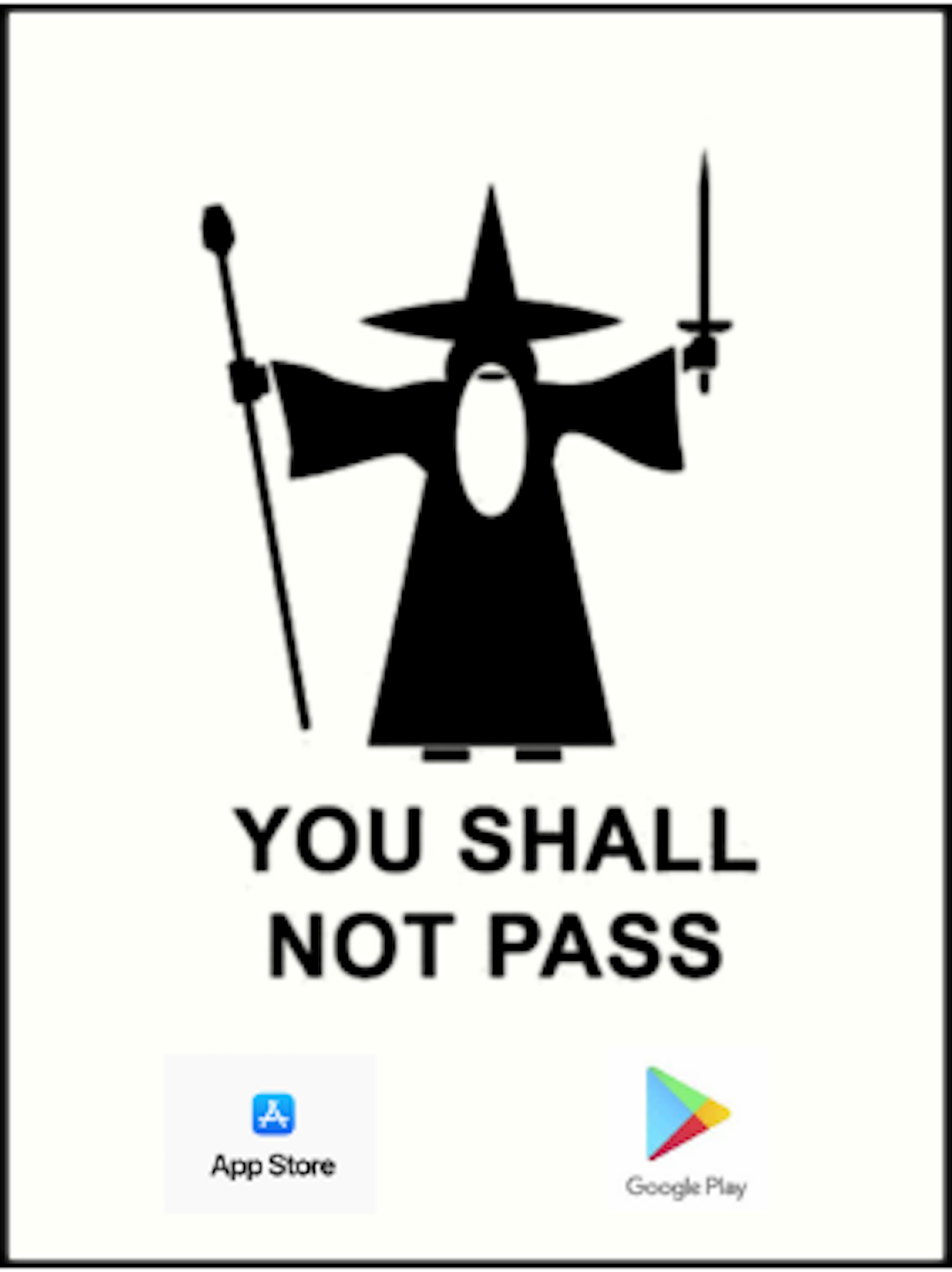
A blocker is a release risk, not a severity score.
Rank App Store blockers by their effect on shipping, not by how dangerous they are as vulnerabilities.
Rejection Is Not the Only Risk
Apple and Google do not enforce every guideline consistently. An app with a blocker may pass review this time. That does not make it safe. An app that breaks the guidelines can still lose visibility: Apple may decline to promote it in search results and on its marketing pages. And a blocker that slipped through on one release can trigger a rejection on the next, often at the worst possible moment.
How to Avoid It
- Check Every BuildLook for store blockers on every build, not just at submission. The earlier a blocker is found, the more time there is to fix it calmly.
- Rank by Release RiskTreat blockers as release risks. Rank them by their effect on shipping, not by their severity as vulnerabilities.
- Set a Fix WindowAddress the blockers your testing finds within 30 days rather than gambling on review.
- Watch for Guideline ChangesApple and Google update their rules, and an app that passed last year may not pass today.
App Store and Google Play blockers are one item on our mobile application security testing checklist.
How Data Theorem Helps
App Store blocker detection has been part of Mobile Secure since Data Theorem was founded in 2013. Mobile Secure scans every iOS and Android release, including pre-production builds, and flags issues that Apple or Google can act on alongside its security and privacy findings. Teams see the blocker, the rule behind it and the fix while there is still time to make it.
Mobile SecureFlags App Store and Google Play blockers on every iOS and Android release.Learn MoreRelated Data SheetMobile Secure Data SheetContinuous mobile app security testing for iOS and Android, on every release. This two-page overview covers how Mobile Secure combines static, dynamic, and behavioral analysis on real devices with third-party SDK review, auto-triaged alerts to Slack, Teams, or email, and secure-code remediation that closes findings in days. Includes supported frameworks, compliance coverage (PCI DSS, HIPAA, GDPR, SOC 2, and more), and CI/CD integration details.Read Now
Frequently Asked Questions
What is an App Store blocker?
An issue that Apple or Google can act on by rejecting an update, limiting promotion in the store or, in rare cases, removing the app.
Are App Store blockers always security issues?
No. Many relate to functionality, sign-in options or required disclosures. Their impact comes from blocking or slowing a release, not from exposing data.
Will Apple always reject an app with a blocker?
Not always, because enforcement is inconsistent. But an app with a blocker can still be rejected later or lose promotion in the store.
When should teams fix App Store blockers?
As soon as they are found, ideally within 30 days and before the build is submitted for review.
Catch Store Blockers Before You Submit
See how Mobile Secure flags App Store and Google Play blockers on every release, alongside security and privacy findings.