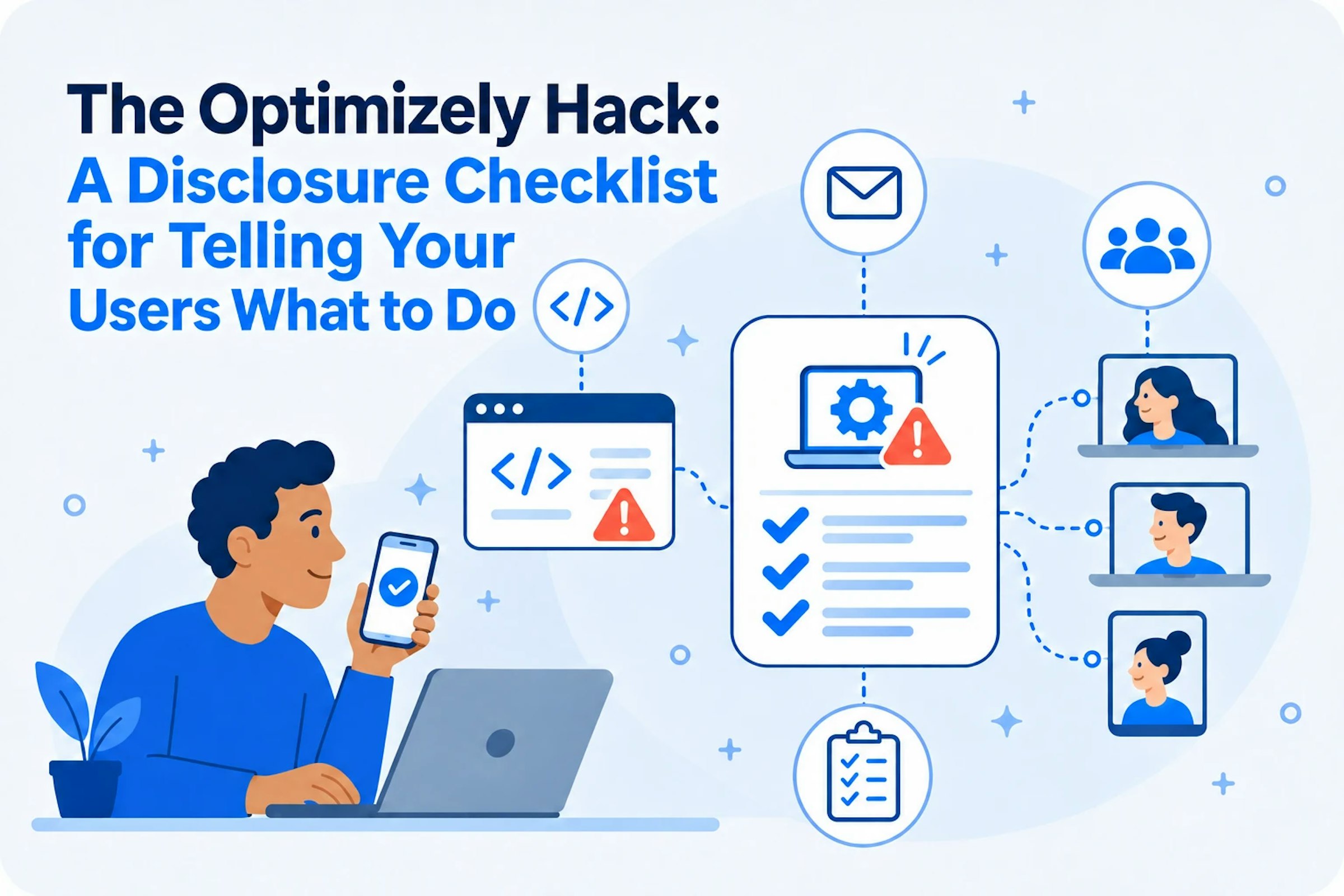
Your site wasn't breached. Your users were.
Here is what to check, what to tell them and what they need to do.
On November 16, 2026, an attacker slipped malicious JavaScript into the Optimizely projects of several organizations, from banks and retailers to software and media companies. For roughly 17 hours, visitors to those sites ran code that pushed exploit kits to iPhones and iPads, and also swapped crypto wallet addresses, skimmed card numbers and stole cookies and screenshots. Opening an infected page was enough, in Safari or inside an app's web view.
Optimizely says it has fixed the flaw and removed the code. Your users do not know that. They visited your site, under your brand, and some of them now need to act. If your Optimizely project was infected, the job in front of you is disclosure: find who was exposed, tell them plainly what happened, and give them a short list of what to do. These checklists focus on the users at most risk: anyone who reached your pages on an iPhone or iPad.
What Happened, in One Paragraph
An attacker exploited a flaw in Optimizely's Experimentation account signup flow and wrote code into the Project JavaScript field of customer projects. Optimizely's own content delivery network (CDN) served it to every page carrying the snippet. Report URI found the attack. The payload loaded iOS exploit kits on iPhones and iPads, and also swapped crypto wallet addresses, skimmed cards typed into forms hosted on the site, and stole cookies that scripts could read along with page screenshots. The attacker changed it 26 times that day, so what a visitor faced depended on when they arrived.
| Time (UTC), November 16 | First seen across affected sites |
|---|---|
| 04:21 | First Optimizely injection |
| 17:13 to 17:57 | Second iOS exploit host added; exploit on every visit from iOS 18.6 or earlier |
| About 20:40 to 21:10 | Mass cleanup |
The iOS part of the payload used two known exploit kits. Both attack WebKit, the engine behind Safari and in-app web views, so simply opening an infected page was enough.
| Kit | iOS versions targeted | iPhone models | What it goes after |
|---|---|---|---|
| Coruna | 13.0 to 17.2.1 | iPhone 6s through iPhone 15 | Crypto wallet apps, and recovery phrases and banking details stored on the device |
| DarkSword | 18.4 to 18.7.2 | iPhone XS, XS Max and XR; iPhone SE (2nd and 3rd generation); iPhone 11 through 16 | Passwords and sign-in data in the iPhone's Keychain, crypto wallets and personal data |
Devices on iOS 18.7.3 or later, or iOS 26.3 or later, are patched against both. Report URI saw the iOS 26 path only fingerprint the device.
Your App Was Exposed Too If It Opens Your Site
Many mobile apps show parts of the company website inside the app: sign-in, account, checkout, help and promotional pages. On iOS, those screens run in a web view built on WebKit, the same engine both exploit kits attack. If your app loaded any page carrying your Optimizely snippet during the window, the payload ran inside your app, under your brand, on your users' iPhones and iPads. Those users may never have opened your site in Safari.
Checklist 1: Confirm Your Exposure Before You Disclose
- Search every Optimizely project's Project JavaScript and experiment code for 1688360, webshell, .icu hosts and atob(. One variant was base64-encoded, so a domain search alone is not enough.
- Ask Optimizely exactly when your projects were modified and cleaned, even if you have not heard from them.
- Search Content Security Policy (CSP) reports, real-user monitoring (RUM) data and proxy logs for requests to the attacker's domains.
- Set your exposure window. With no better data, use 04:00 to 22:00 UTC on November 16, padded for cached copies.
- Pull every iPhone and iPad session that loaded a page carrying your snippet in that window. Project JavaScript ran on every such page, not only pages with experiments.
- Match sessions to people through logged-in user IDs, orders and account records.
- Record each user's iOS version. Users on iOS 13.0 to 17.2.1 or 18.4 to 18.7.2 are at highest risk, especially from about 17:13 UTC or where the page reloaded every 60 seconds. (A starting query for the Google Analytics 4 BigQuery export is at the end of this post.)
- Check what analytics missed: server and CDN logs, and support tickets about pages refreshing every minute.
- Save every query and result for your incident record.
Checklist 2: Confirm Exposure Inside Your App
- List every screen in your iOS app that loads web content from your own domains.
- Check which of those pages carry your Optimizely snippet.
- Pull the app sessions from the window that opened those screens, with each user's iOS version.
- Add every app user on iOS 13.0 to 17.2.1 or 18.4 to 18.7.2 from those sessions to your notice list.
- Give them the same iPhone and iPad checklist as your site visitors (Checklist 4 below).
Checklist 3: What Every User Notice Must Say
- Contact every user on iOS 13.0 to 17.2.1 or iOS 18.4 to 18.7.2 who visited your site or opened its pages inside your app during the roughly 17-hour window on November 16 (04:00 to 22:00 UTC).
- What happened, in plain words, naming Optimizely as the source.
- When, as the exposure window in the reader's own time zone.
- What may be affected for this person: their iPhone or iPad.
- What you have already done: removed the code, signed users out, tightened controls.
- Exactly what they should do, using the checklist below.
- How to reach you, through a channel they already trust.
- A warning that you will never ask for a card number, password or wallet seed phrase by email or phone.
- No sign-in links in the email. Attackers will send look-alike notices.
Checklist 4: What to Tell Your iPhone and iPad Users
Copy this list into your notice. It is written to your user.
- Check your iOS version in Settings, General, About.
- Update to iOS 18.7.3 or later, or iOS 26.3 or later, in Settings, General, Software Update. Do it today if you are on iOS 13.0 to 17.2.1 or 18.4 to 18.7.2.
- If your iPhone cannot update, turn on Lockdown Mode in Settings, Privacy and Security.
- If you were on an affected version, change the passwords saved on that iPhone, starting with email, banking and your Apple Account.
- If you keep crypto in a wallet app on that iPhone, move the funds to a new wallet set up on an updated device, and do not reuse the old recovery phrase.
- Contact us if a page on our site kept reloading every minute while you were on it.
Checklist 5: Know Your Deadlines
- Bring in counsel today. This post is not legal advice.
- EU or UK residents: if the breach is likely to put people's rights at risk, the General Data Protection Regulation (GDPR) requires notice to your supervisory authority without undue delay and, where feasible, within 72 hours of awareness (Article 33). If the risk is high, notify the people affected without undue delay (Article 34).
- California residents: under Civil Code 1798.82, as amended by SB 446, notify affected residents within 30 calendar days of discovery, with limited exceptions. If you notify more than 500, send a sample notice to the Attorney General within 15 days after that.
- Other US states: check each state's thresholds and deadlines.
- Public companies: assess whether the incident is material for Securities and Exchange Commission (SEC) disclosure.
Checklist 6: After You Disclose
- Publish a public FAQ page with the exposure window and the iPhone and iPad checklist, for visitors you cannot reach directly.
- Brief your support team with a script and a clear escalation path.
- Audit every Optimizely user account and API token, and remove access you do not recognize.
- Make every analytics event carry a UTC timestamp, OS version, page and user ID, so the next investigation is one query.
Your Mobile Apps Run on the Same Trust
This attack hit Optimizely's web product; nothing reported so far involves its mobile software development kits (SDKs). But every mobile app bundles third-party SDKs for analytics, advertising, payments, login and experimentation. Each runs inside your app with your app's permissions. If one turned against your users, could you work through the checklists above? For most teams the honest answer is no, because nobody knows exactly which SDKs ship in each release or what they do.
Mobile Secure analyzes every iOS and Android binary you ship, on every release. It builds a complete software bill of materials (SBOM) of the open source libraries and SDKs inside each app, with findings attached. It shows what the app collects, whether that data goes to third parties, and what goes to backend APIs. Keys to the Kingdom finds keys, passwords and tokens in your binaries, including those third-party SDKs bring with them. When something needs fixing, AI Auto-Remediation carries the fix from the app finding down to the code.
Mobile Protect adds a runtime signal, with an honest limit. iOS sandboxing keeps every app out of Safari and the system, so no app, ours included, can see traces of a WebKit exploit on the device. What an app can see is a jailbroken device, and jailbreaks are known to use these same kinds of exploits. Mobile Protect detects jailbroken devices in your app's sessions, so you can treat those users as higher risk, step up verification and reach out while you investigate.
Facts here reflect public reporting as of November 17, 2026. Check Optimizely's status page for updates to the window or the root cause.
Schedule a demo to see every SDK in your mobile apps and what each one does with your users' data.
Schedule a demoFor Your Data Team: A Starting Query
If you use the Google Analytics 4 (GA4) BigQuery export, this query returns one row per session in the window, flagged for iPhone and iPad sessions, including the 60-second reload pattern that marks the iOS exploit retrying. Rename the events to match your own schema. Timestamps are UTC; table names use your property's time zone.
DECLARE win_start TIMESTAMP DEFAULT TIMESTAMP '2026-11-16 04:00:00+00';
DECLARE win_end   TIMESTAMP DEFAULT TIMESTAMP '2026-11-16 22:00:00+00';

WITH ev AS (
  SELECT
    COALESCE(user_id, user_pseudo_id) AS who,
    (SELECT value.int_value FROM UNNEST(event_params) WHERE key = 'ga_session_id') AS session_id,
    TIMESTAMP_MICROS(event_timestamp) AS ts,
    event_name,
    device.operating_system AS os,
    device.operating_system_version AS os_version,
    (SELECT value.string_value FROM UNNEST(event_params) WHERE key = 'page_location') AS page
  FROM `my-project.analytics_123456789.events_*`
  WHERE _TABLE_SUFFIX BETWEEN '20261115' AND '20261117'
    AND TIMESTAMP_MICROS(event_timestamp) BETWEEN win_start AND win_end
),
-- iOS exploit retry loop: the same page reloaded roughly every 60 seconds
reloads AS (
  SELECT who, session_id, COUNT(*) AS loops
  FROM (
    SELECT who, session_id, ts,
           LAG(ts) OVER (PARTITION BY who, session_id, page ORDER BY ts) AS prev_ts
    FROM ev
    WHERE event_name = 'page_view' AND os = 'iOS'
  )
  WHERE TIMESTAMP_DIFF(ts, prev_ts, SECOND) BETWEEN 55 AND 65
  GROUP BY who, session_id
  HAVING COUNT(*) >= 3
)
SELECT
  e.who,
  e.session_id,
  MIN(e.ts) AS first_seen,
  LOGICAL_OR(e.os = 'iOS') AS ios_session,
  ANY_VALUE(IF(e.os = 'iOS', e.os_version, NULL)) AS ios_version,
  LOGICAL_OR(r.loops IS NOT NULL) AS ios_reload_loop
FROM ev AS e
LEFT JOIN reloads AS r
  ON r.who = e.who AND r.session_id = e.session_id
GROUP BY e.who, e.session_id;
Run it inside your own environment and keep the output to the fields you need for notification.
Sources
Scott Helme, Report URI: World's Largest Brands Infected With Malware Via Optimizely
Optimizely: Status page, Web Experimentation security incident
Google Threat Intelligence Group: Coruna: The Mysterious Journey of a Powerful iOS Exploit Kit
The Hacker News: DarkSword iOS exploit kit uses six flaws
Data Protection Report: California tightens data breach notification timelines