Two consumer apps shipped working credentials to millions of phones, and AI helped a researcher find both in two weeks. Here is why app secrets are public and how to catch them before release.
On November 9, TechCrunch reported that security researcher Robert Wiggins of What Security found a password inside Wyndham's Android app. It opened an internal customer database hosted on Salesforce. Behind it sat customer names, email addresses, member numbers, the login tokens that keep customers signed in, and company files.
Wiggins saw millions of entries but could not tell how many customer records were exposed. Wyndham has about 129 million rewards members. The company revoked the credential after TechCrunch contacted its security team, and says it has no evidence of unauthorized access. It would not say whether it has the logs to check, or how long the password had been in the app.
Two weeks earlier, Wiggins found a near-identical problem in Applebee's Android app, which has more than a million downloads. That credential opened a customer database with names, email addresses, dates of birth, phone numbers, ZIP codes and the IP addresses of recent logins. He said it could also have been used to change customer data. Applebee's parent company says it has found no evidence of unauthorized access.
Both times, Wiggins used AI to search the decompiled app code. And according to Wiggins, neither company offered a public way to report a security flaw, so he went through a reporter.
Wyndham: A Database Password Inside the Customer App
A password embedded in Wyndham's Android app gave access to an internal customer database hosted on Salesforce, including customer names, email addresses, member numbers, login tokens and company files. Security researcher Robert Wiggins of What Security found the credential. Wyndham revoked it after TechCrunch contacted the company and says it has no evidence of unauthorized access.
Sources: TechCrunch, November 9, 2026.
Applebee's: A Database Password Inside the Customer App
A credential embedded in Applebee's Android app gave access to a customer database holding names, email addresses, dates of birth, phone numbers, ZIP codes and recent login IP addresses. Security researcher Robert Wiggins of What Security found the credential and said it could also have allowed changes to customer data. The company says it has found no evidence of unauthorized access.
Sources: TechCrunch, October 30, 2026.
Anything Inside an App Is Public
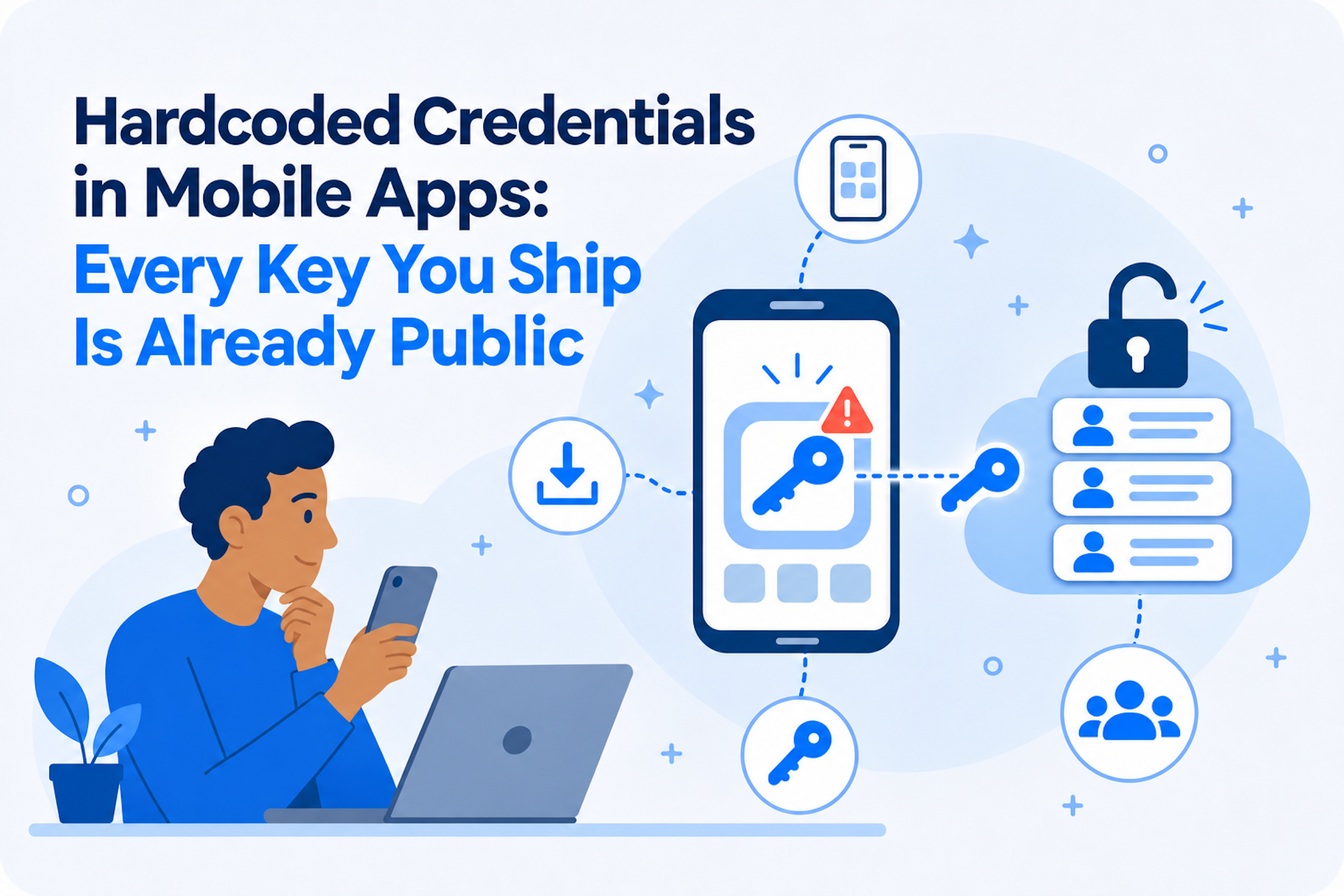
A mobile app is not a vault. It is a file anyone can download from Google Play or the App Store and take apart. Decompilers turn the binary back into readable code, and every string the app carries comes out with it: keys, tokens and passwords included. Obfuscation slows a person down. It does not hide a value the app needs at runtime.
That is why the Open Worldwide Application Security Project (OWASP) ranks improper credential usage, with hardcoded credentials as its first example, as the number one mobile app security risk. Anyone with the app can pull out the key and connect to the backend as if they were the app. Many such cases are scored at the maximum severity.
M1: Improper Credential Usage Is the Top Mobile Risk
The OWASP Mobile Top 10 (2024) puts improper credential usage first. Its lead example is hardcoded credentials: an attacker finds them in the app's code and uses them to reach sensitive functions in the app or its backend. OWASP rates how easy this is to exploit as Easy.
Sources: OWASP Mobile Top 10; M1: Improper Credential Usage.
The fix is also harder than it looks. Revoking the key stops the abuse, but every installed copy of the app that depends on it can break. The real fix takes a backend change and a new release. That is why the cheapest place to catch a secret is before the app ships.
This Is Not a New Problem
Hardcoded credentials in mobile apps are not new. In 2022, Symantec's Threat Hunter Team found 1,859 Android and iOS apps with Amazon Web Services credentials built in. Most of those keys still worked, and almost half gave full access to private cloud storage, sometimes holding millions of files. In one case, a software development kit (SDK) shared by five banking apps exposed more than 300,000 fingerprints customers used to log in.
Some of those keys were never put there by the app's own developers. They arrived inside third-party SDKs. And finding them took a security company's threat research team, its tooling and its time. That effort was the real barrier. It no longer is.
AI Made This Weakness Cheap to Find
Hardcoded secrets are not new. What changed is the cost of finding them. A person reading decompiled code has to know where to look. An AI model can read thousands of lines every second and flag anything that looks like a credential. That is how Wiggins found two in two weeks.
This is the first stage of an AI-augmented cyber attack: find the weakness. In PHP2Shell and Node2Shell, AI made the hard part cheaper, turning a known flaw into a working exploit. Here there is no hard part. The credential is the exploit.
In 2022, this work took a security vendor's research team. In 2026, it takes one person with an AI tool and a copy of the app, and that person can run it across thousands of apps at once. Expect exposures like these to surface far more often, and not always from someone who reports them.
The Key Did Not Change. Its Permissions Did.
Not every key in an app is a mistake. Some are meant to ship. For years, Google told developers that API keys for services like Firebase and Maps were identifiers, not secrets, and were safe to embed in client code. Security teams learned to triage them as low risk.
In February 2026, researchers showed that rule had quietly broken. When a Google Cloud project turned on the Gemini API, existing keys in that project could gain access to it, with no warning to the developer. The researchers found 2,863 live keys on public websites that now worked against Gemini. With one, an attacker could read files uploaded to Gemini, read cached content and run up AI charges on someone else's account.
The bills were real. In February, a three-person startup reported $82,314 in Gemini charges over 48 hours from a stolen Google Cloud API key. Its usual monthly spend was $180.
Google has since responded. From June 19, 2026, the Gemini API began rejecting unrestricted standard keys, and Google set September 2026 to retire standard keys for Gemini entirely in favor of new keys restricted to Gemini by default. Its documentation now tells developers not to hardcode API keys in web or mobile apps at all.
Google fixed this one. The trend it exposed is the point. A key that was harmless when an app shipped became a credential months later, because someone enabled a new service in the same project. Nothing in the app changed. What the key could reach did, and nobody was told.
That is the lesson of 2026 for every team that ships an app. Keys are easy to pull out of a binary, and their permissions do not stay put. Every key in every app you have shipped needs to be revisited. None is harmless just because of what it was created for.
How Keys to the Kingdom Finds Them First
Keys to the Kingdom is part of Mobile Secure. Every time Mobile Secure analyzes an iOS or Android app, it reverse engineers and decompiles the binary as part of its static and dynamic analysis, the way an attacker would. Keys to the Kingdom pulls out the keys, passwords and tokens embedded in it, including the ones that arrive inside third-party SDKs.
Finding a key is half the job. Mobile Secure then tests each one with Hack and Extract, an API Secure capability included in Mobile Secure. Because Data Theorem runs one Analyzer Engine across one platform, Mobile Secure can use the keys, tokens and passwords it recovered against your backend APIs to see whether they extract data. Instead of a list of suspicious strings, you see which credentials work and what they unlock.
Keys that look like harmless identifiers get tested too. When Mobile Secure finds a Google key in an app, it checks whether that key can reach Gemini and alerts you if it can. Your team can then triage the rest, marking client keys that are meant to ship.
Because Mobile Secure analyzes the binary, it sees what actually ships, not just your source code: whatever your build pipeline and SDKs added along the way. And because it runs on every release, a key that slips in is caught before it reaches the store, not after it is on millions of phones.
What to Do Now
- Treat every secret in a shipped app as already found. If a credential is in the binary, rotate it and move the access it grants behind your backend.
- Keep long-lived credentials out of the client. Have the app request short-lived, narrowly scoped tokens from your own server.
- Scope every key that must ship. Restrict it to the one service and the one app it serves, so enabling a new service does not widen it.
- Test what keys can do, not what they were meant for. Recheck "harmless" keys, and every key you have already shipped, whenever permissions or cloud projects change.
- Scan every release binary, not just your repositories. The binary is what attackers download.
- Publish a way for researchers to reach you. Wyndham and Applebee's both heard about their exposure through a reporter.
See What Your Apps Expose
Wyndham and Applebee's were lucky. Robert Wiggins found their credentials and reported them, and both companies say they have seen no evidence of unauthorized access. The next person to find a key like this may not report it, and AI makes reverse engineering an app and pulling out its secrets easier every month.
Are you testing your apps for this today? The keys, tokens and passwords in your apps need to be found before anyone else finds them, and tested to make sure none of them can reach or extract sensitive data. If you are not doing this testing yet, we can help you get started. Schedule a demo to see what your apps might be exposing today.
Schedule a demoSources